Modes
Different modes can be chosen which provide distinct functionalities such as controlling Roboy, examining him from afar, or being in charge of Roboy’s body and seing the world through his eyes. The following image shows the different mode options.
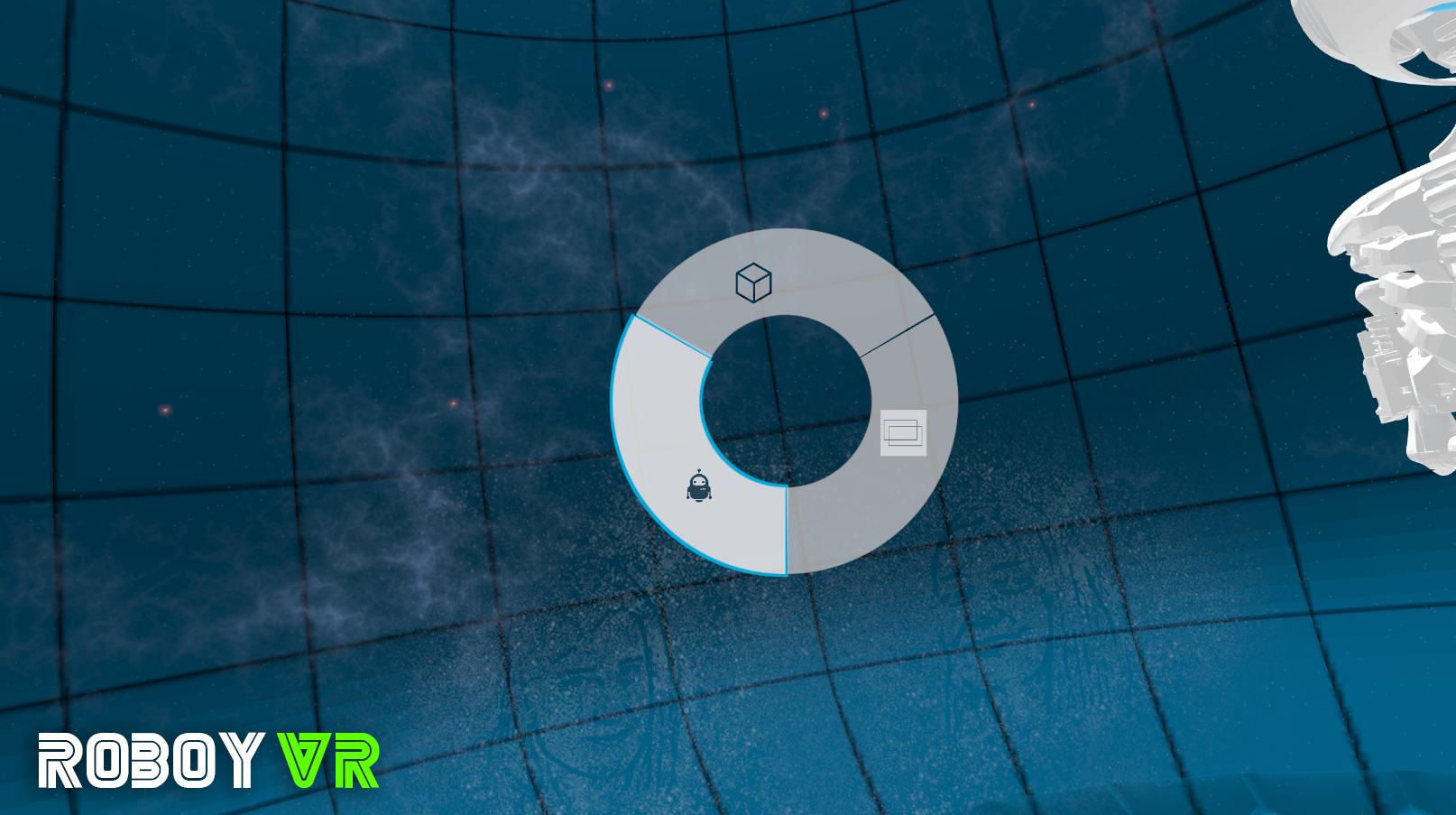
Selection wheel to change between different modes
ViewSelection
This mode provides functionalities to change the current view from the initial user’s point.
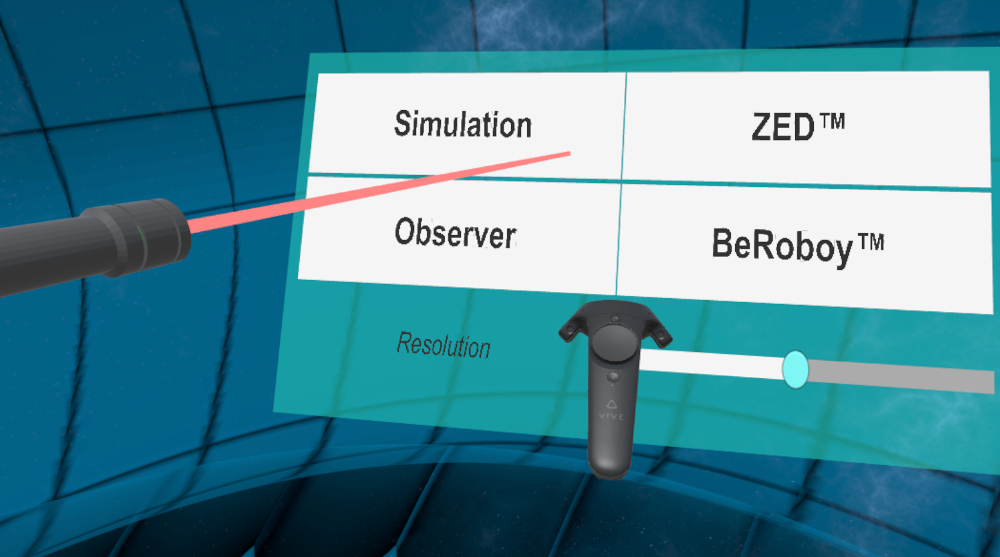
Choose from different views including Observer and BeRoboy mode.
Choosing BeRoboy, the user is able to control the model and perceive the environment through the eyes of Roboy, either through his real eyes or his eyes in the running simulation. Further information can be found in the BeRoboy chapter.
GUI Mode
This mode contains the user interface displaying information about Roboy. It is described in more detail in teh chapter State Visualisation.
Model Spawner
It is possible to insert and remove numerous models from the virtual world simply by point and click.
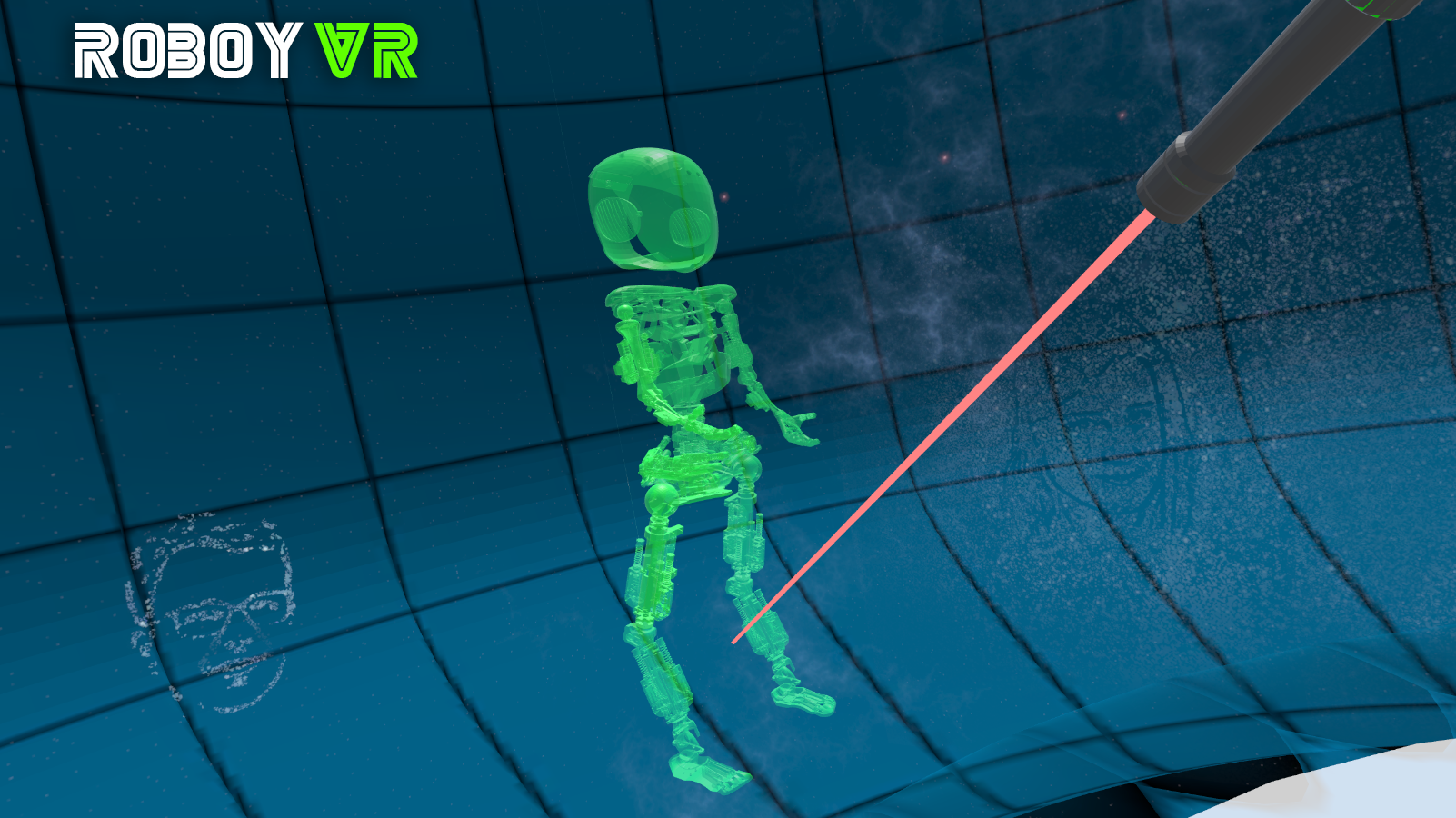
Possible place for model to be placed
Just choose the model you want to insert and click on a free space on the ground.
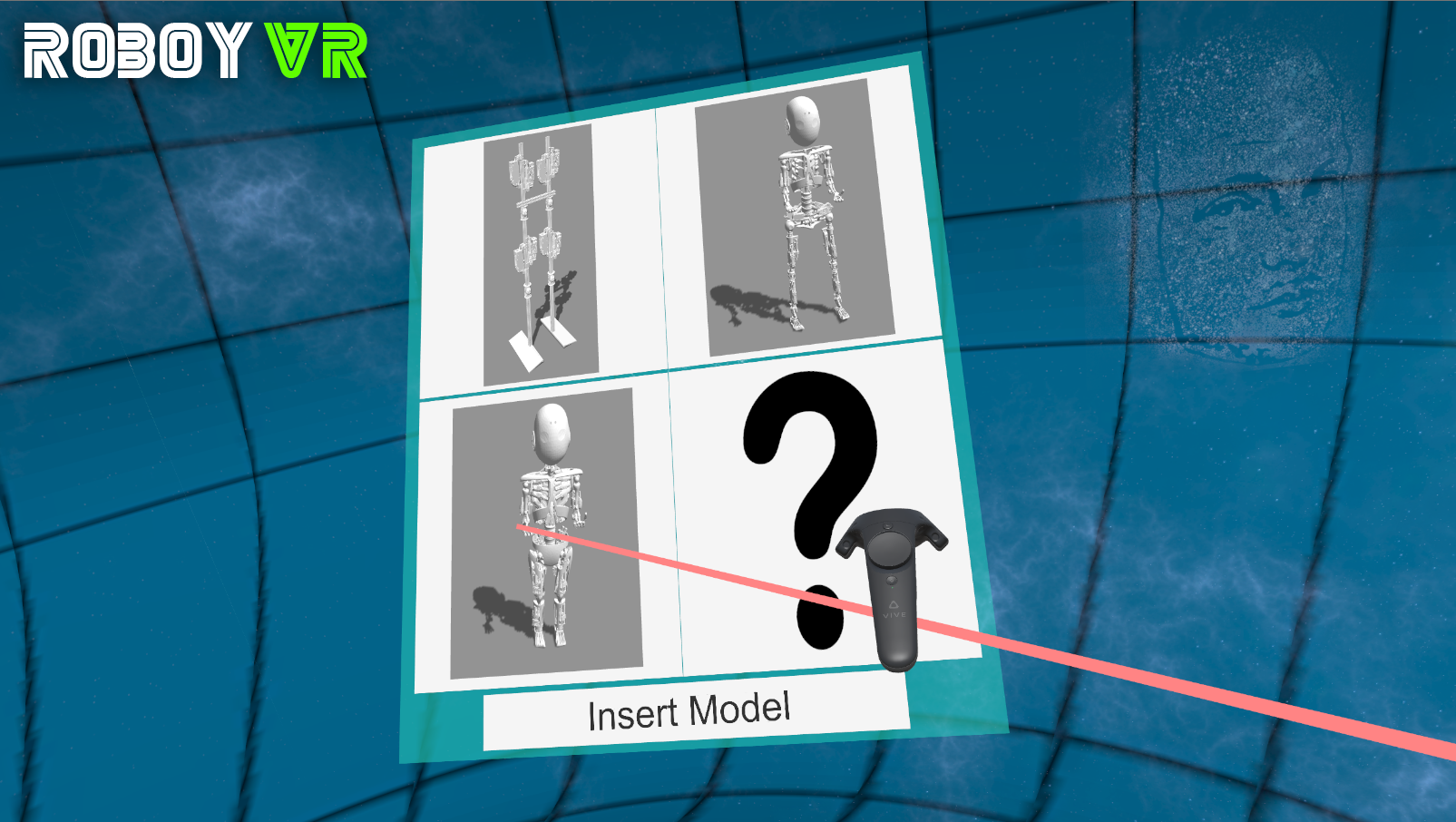
Selection panel to choose a model which is to be inserted
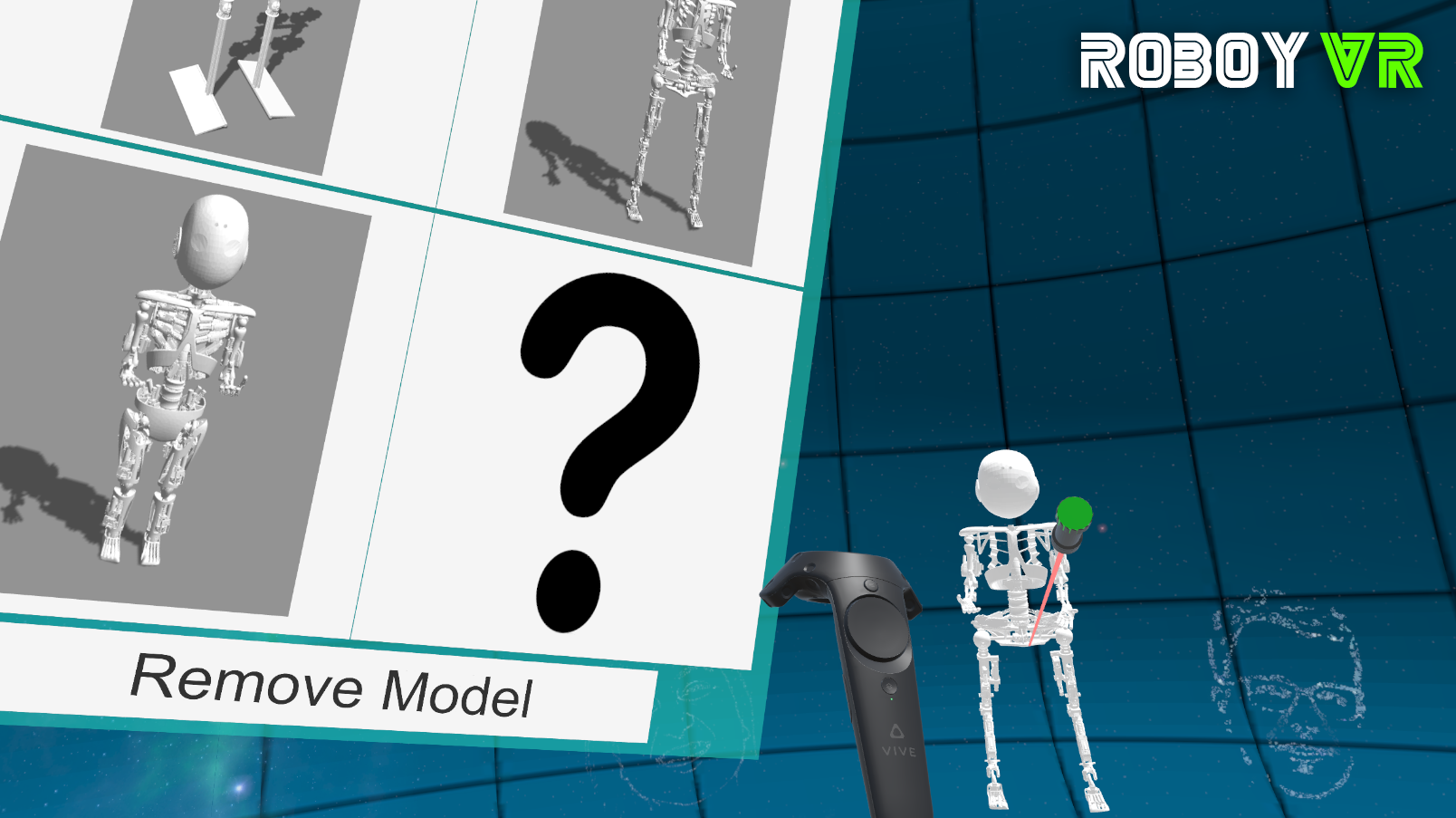
With remove enabled, delete a model by clicking on it
Removing models is partly possible, even though it does not work with all of the models, e.g. the surprise model and PaBi will not work.
NOTICE: LEGACY PARTS This model will be inserted in the world of Unity but not in the gazebo simulation. Previous code implemented this function for certain models, but since this is legacy code, it is not expected to be working anymore. Additionally, the model poses were / are not updated by the simulation because of lacking message infrastructure.