User Interfaces
In the following figures you can see multiple tools to interact with roboy. The user can select different parts of roboy and inspect these parts further with detailed information about the motors. On top of that the user can actively interact with roboy with the Shooting Tool. It triggers an external force in the simulation and displays the result in real time in the VR environment. In the future it will be possible to control time, so to rewind the simulation and save/ load them on runtime.
At first you choose which tools go where.
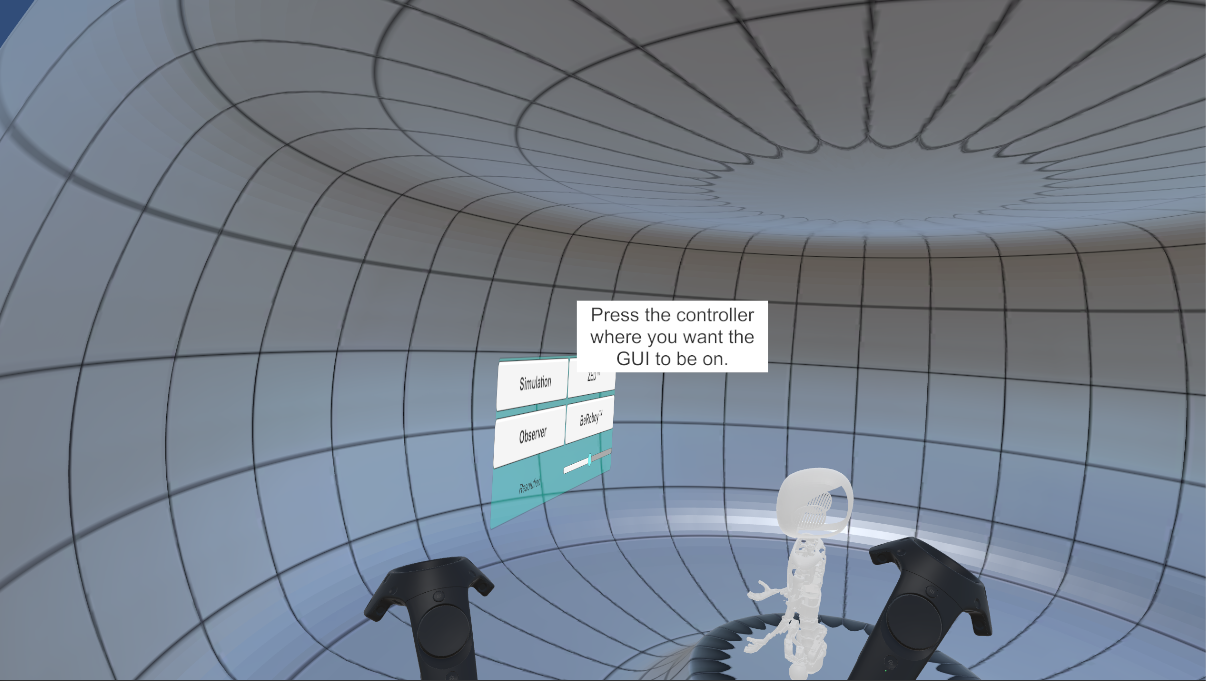
Press any of the controller to set it respectively.
Switching tools
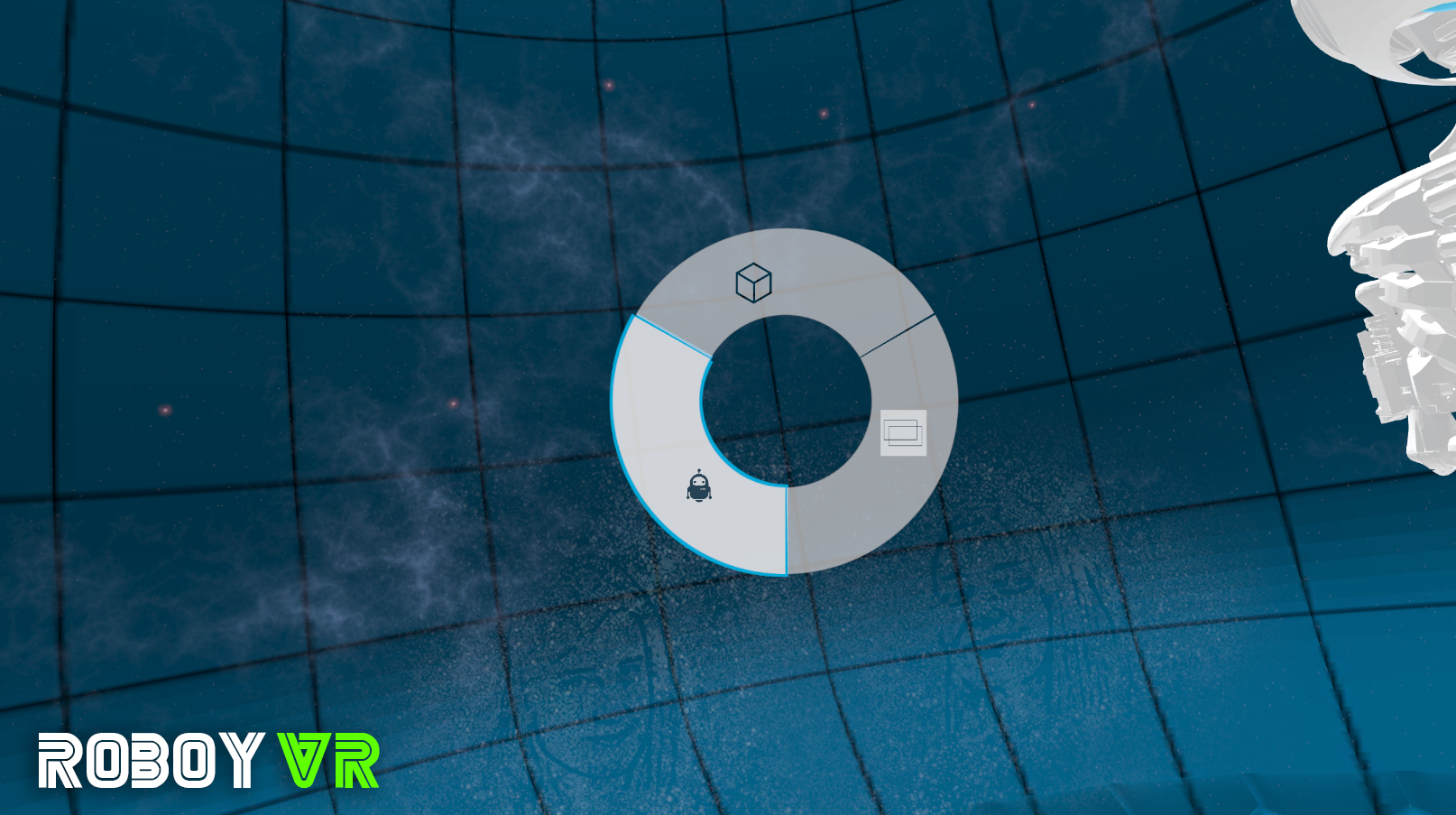
Change tools on the left controller.
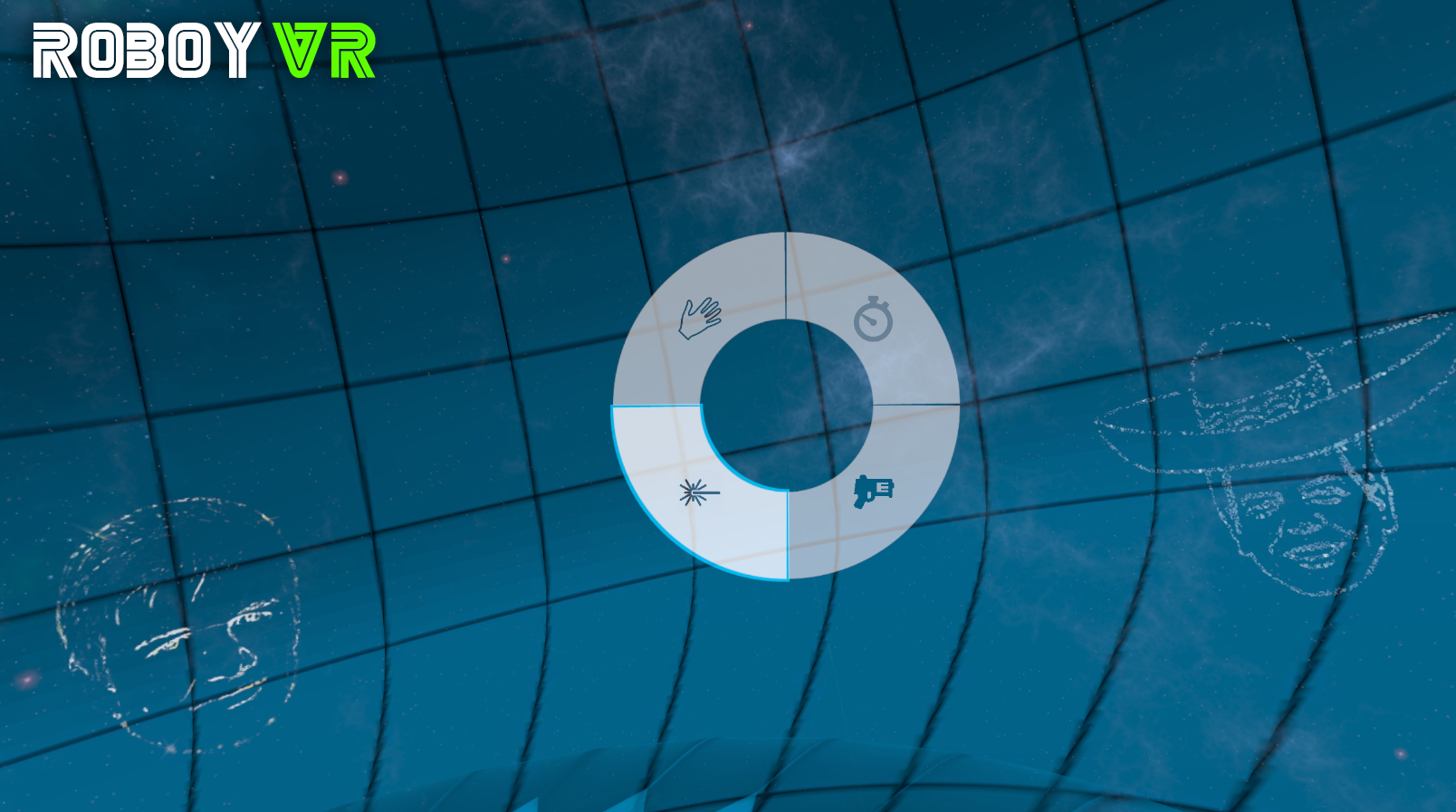
Change tools on the right controller.
Tools
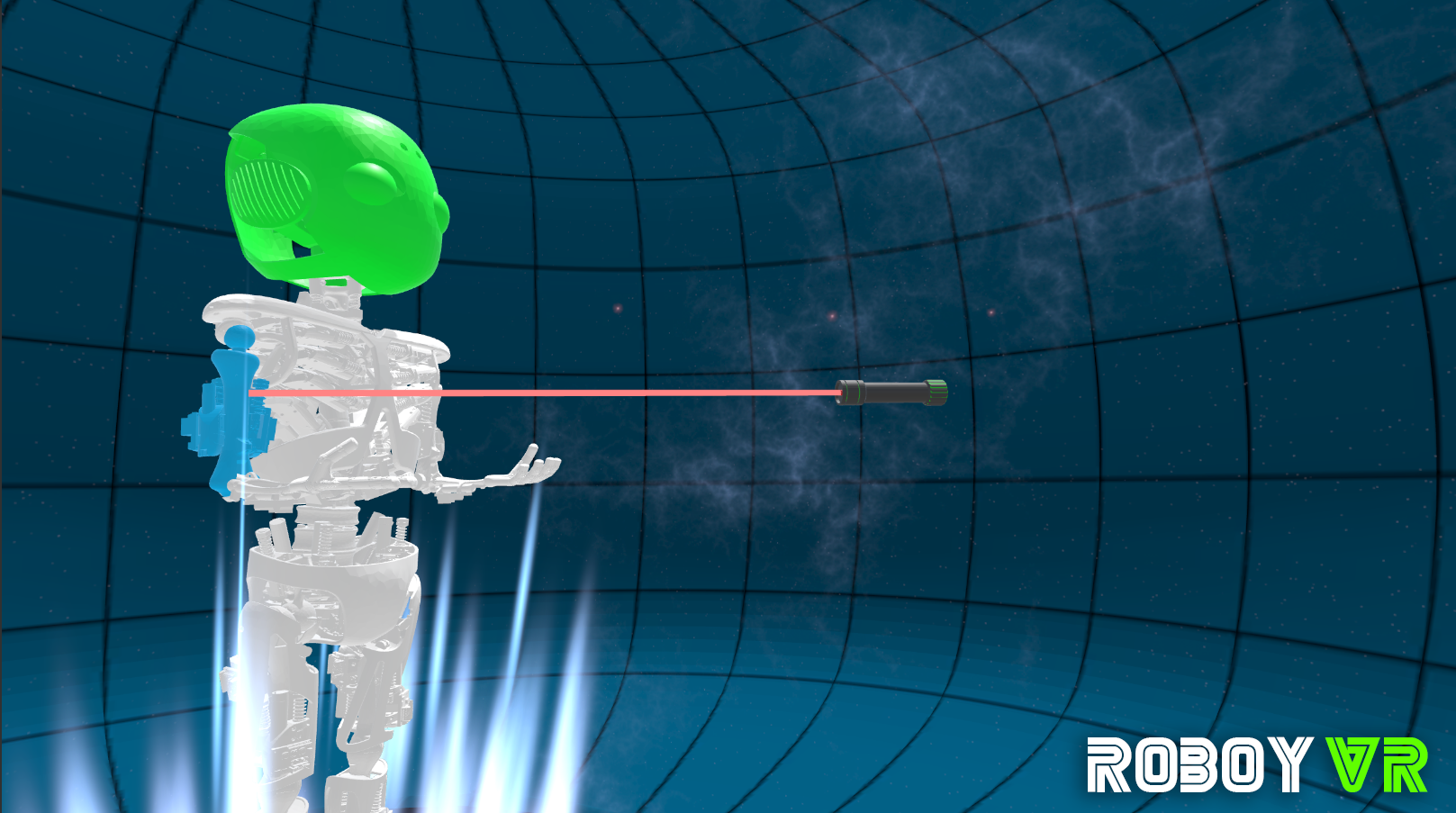
Tool for selecting roboy parts.
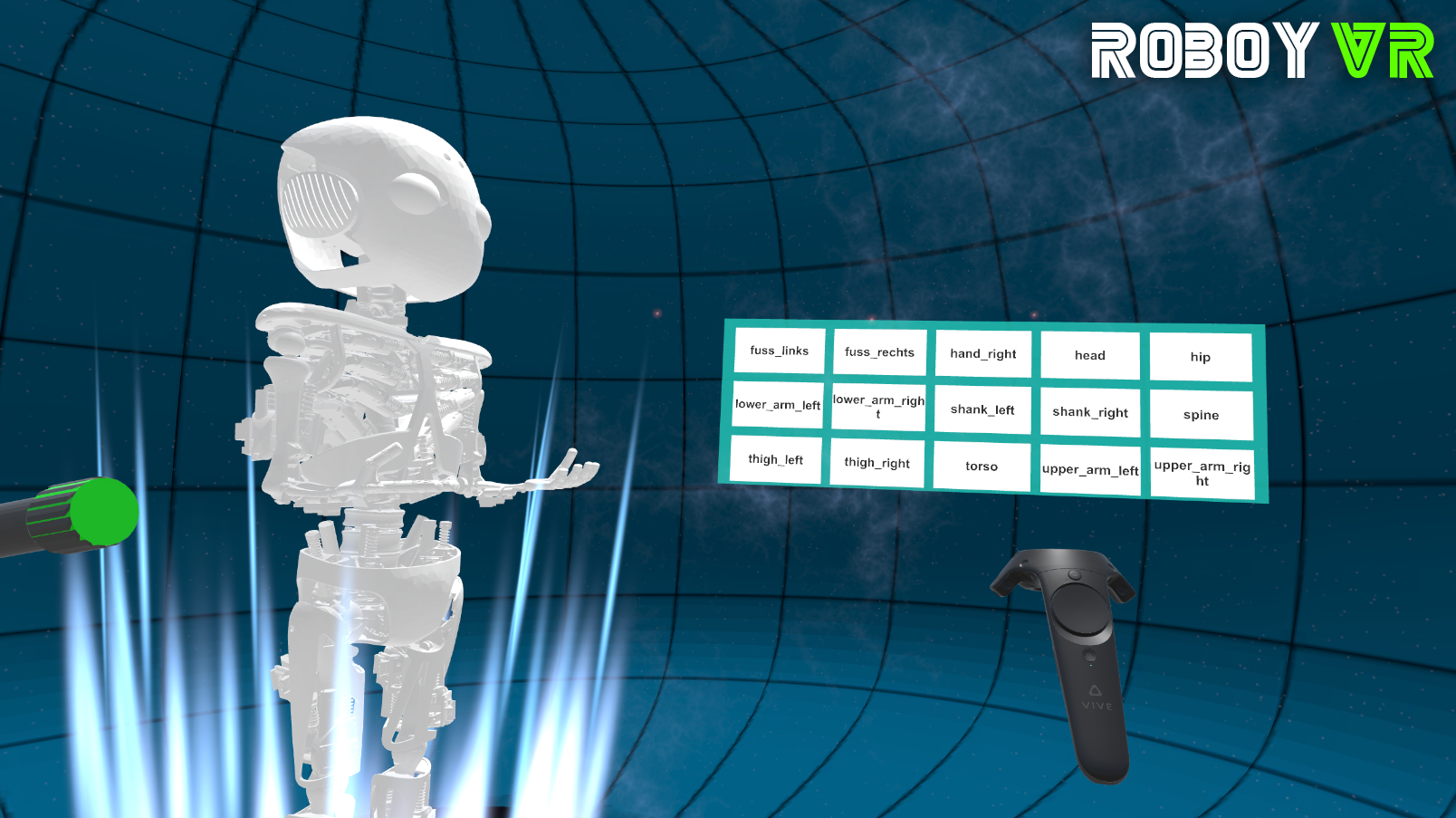
UI Panels displaying names of several roboy parts (can also be selected).
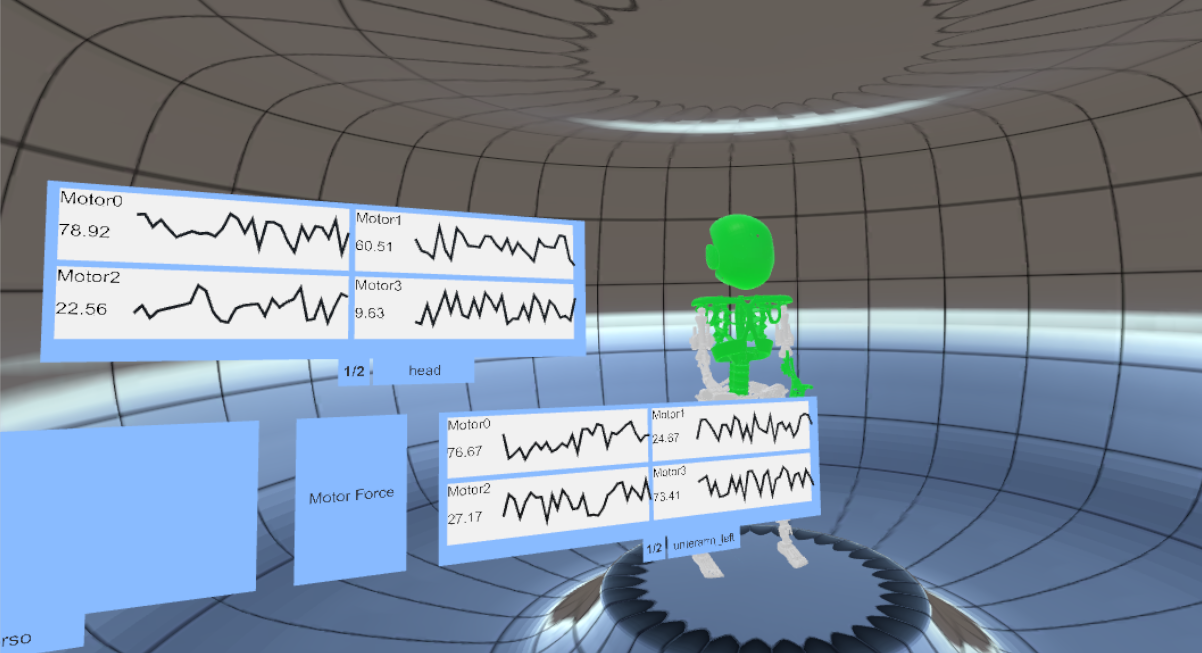
UI Panels displaying motor force of several roboy parts.
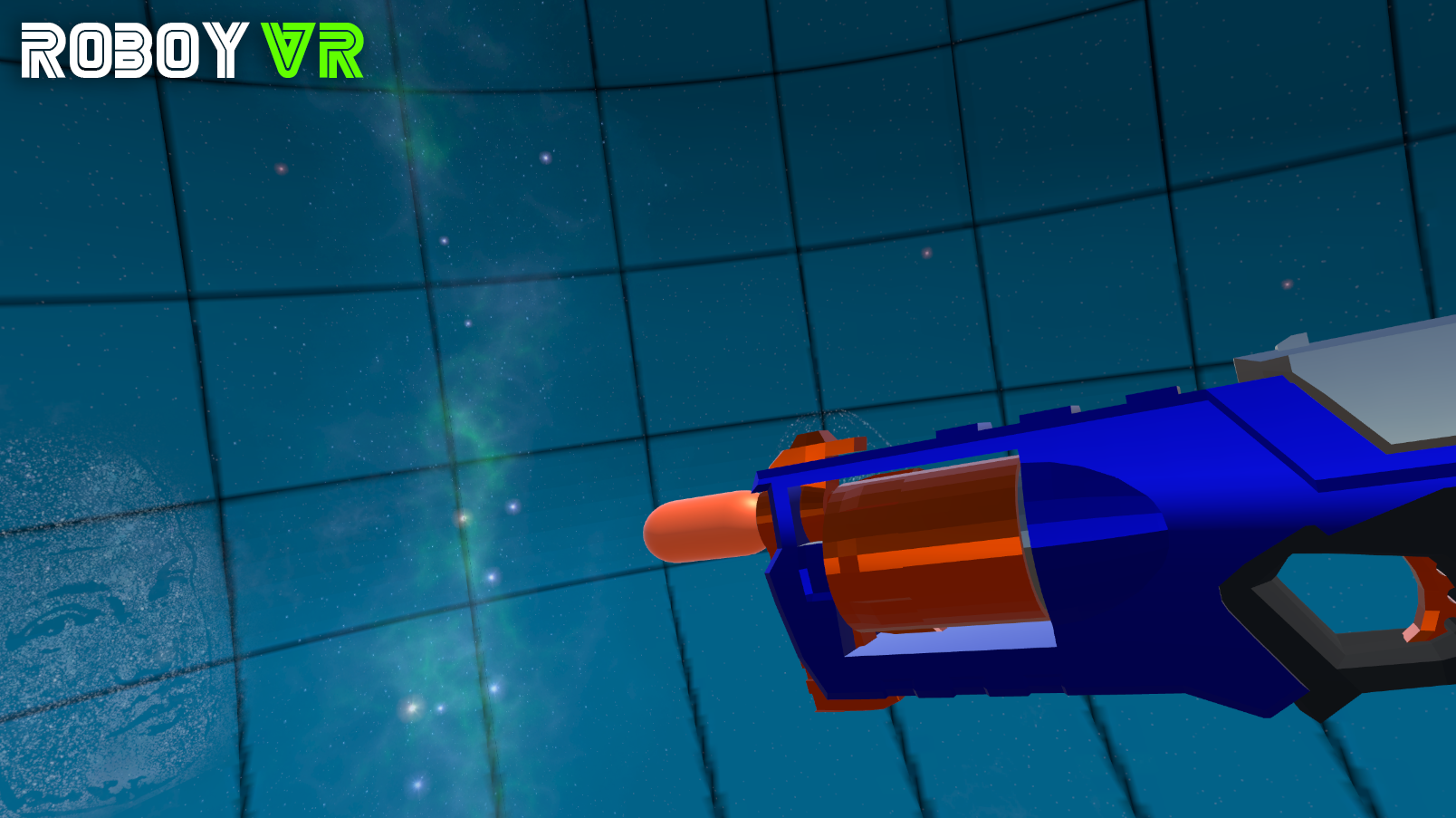
Tool to shoot roboy and trigger an external force.
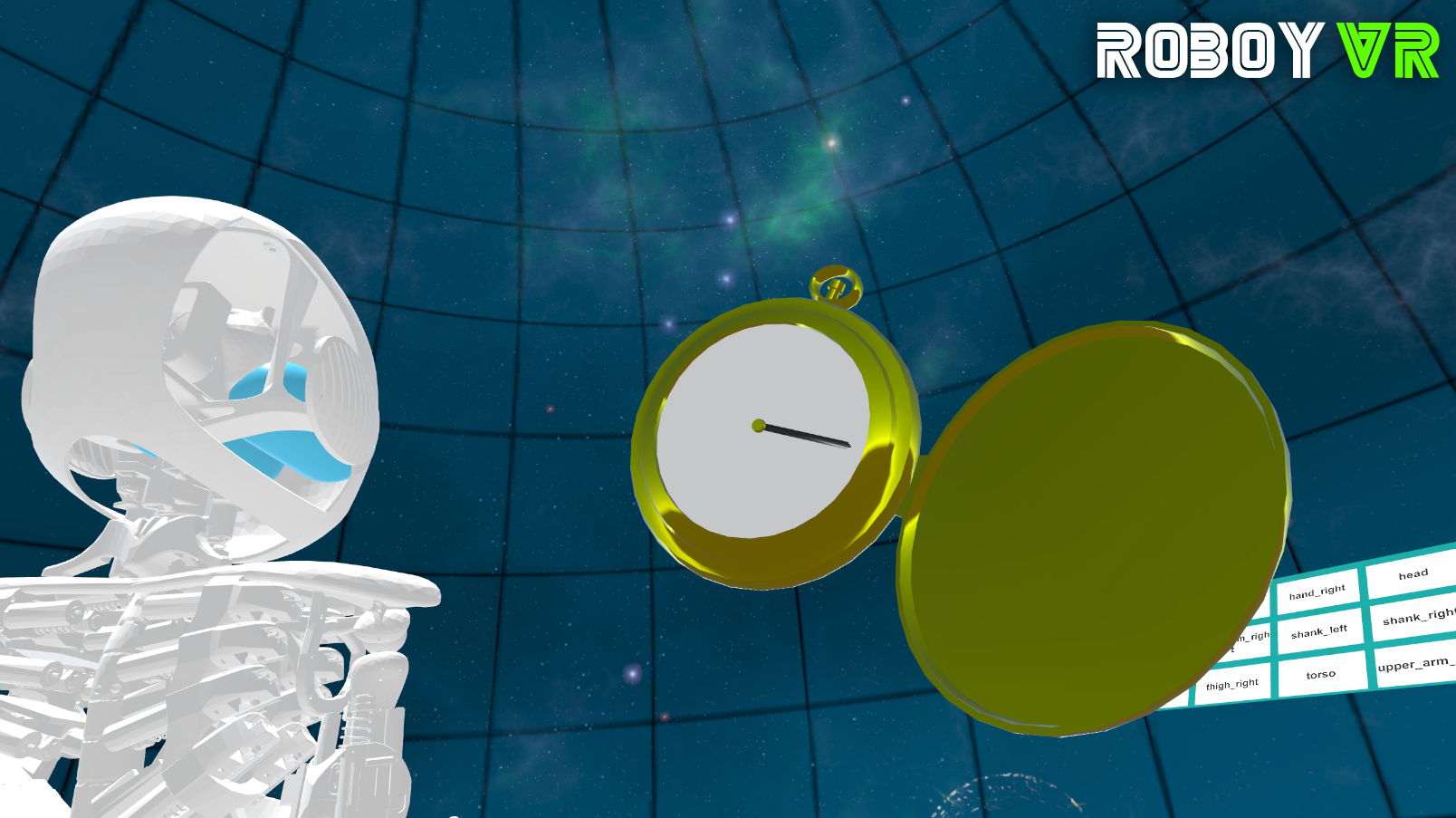
Tool to alter flow of time.
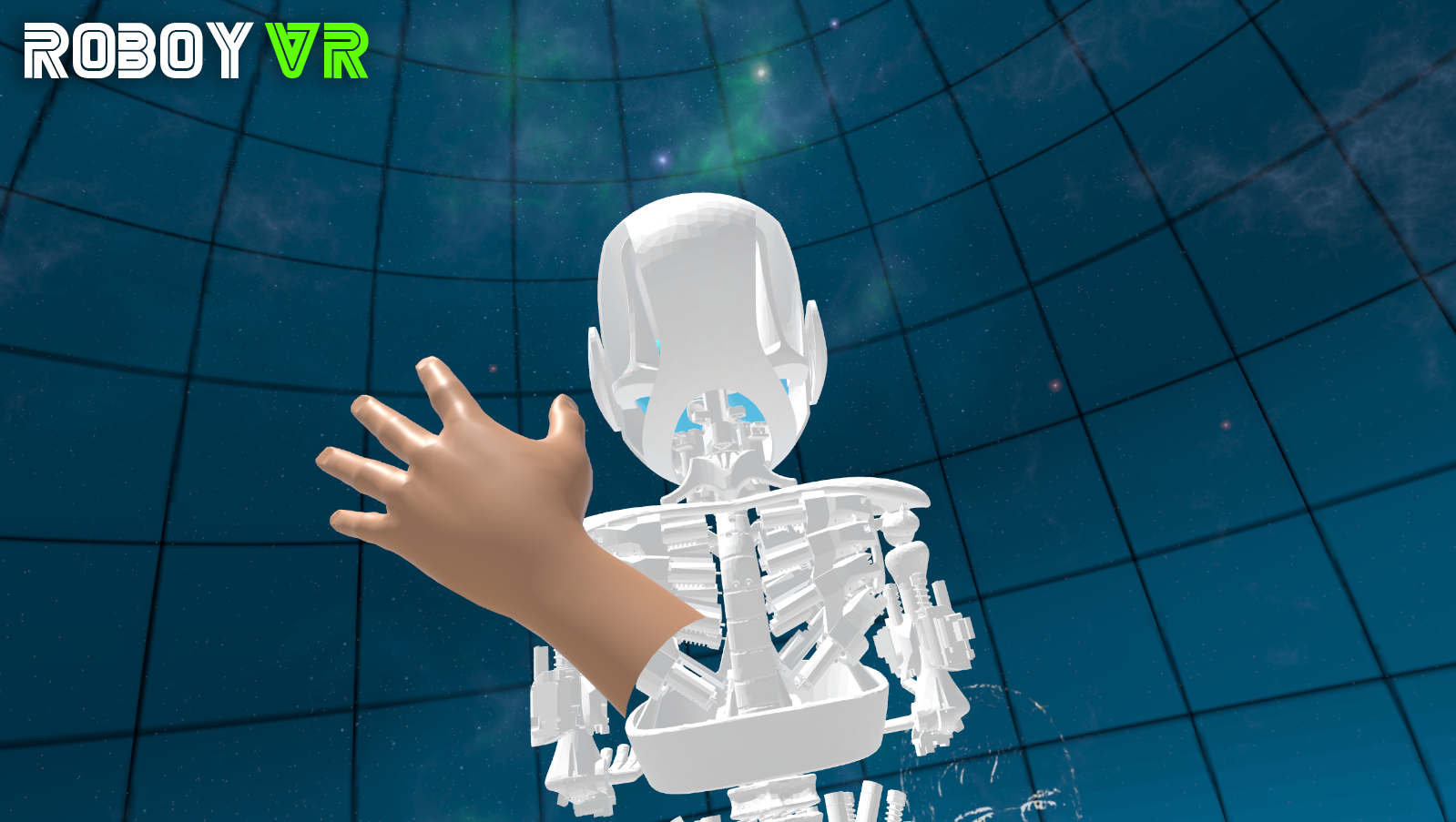
You want to push Roboy around? But be gentle.
Insert and remove models
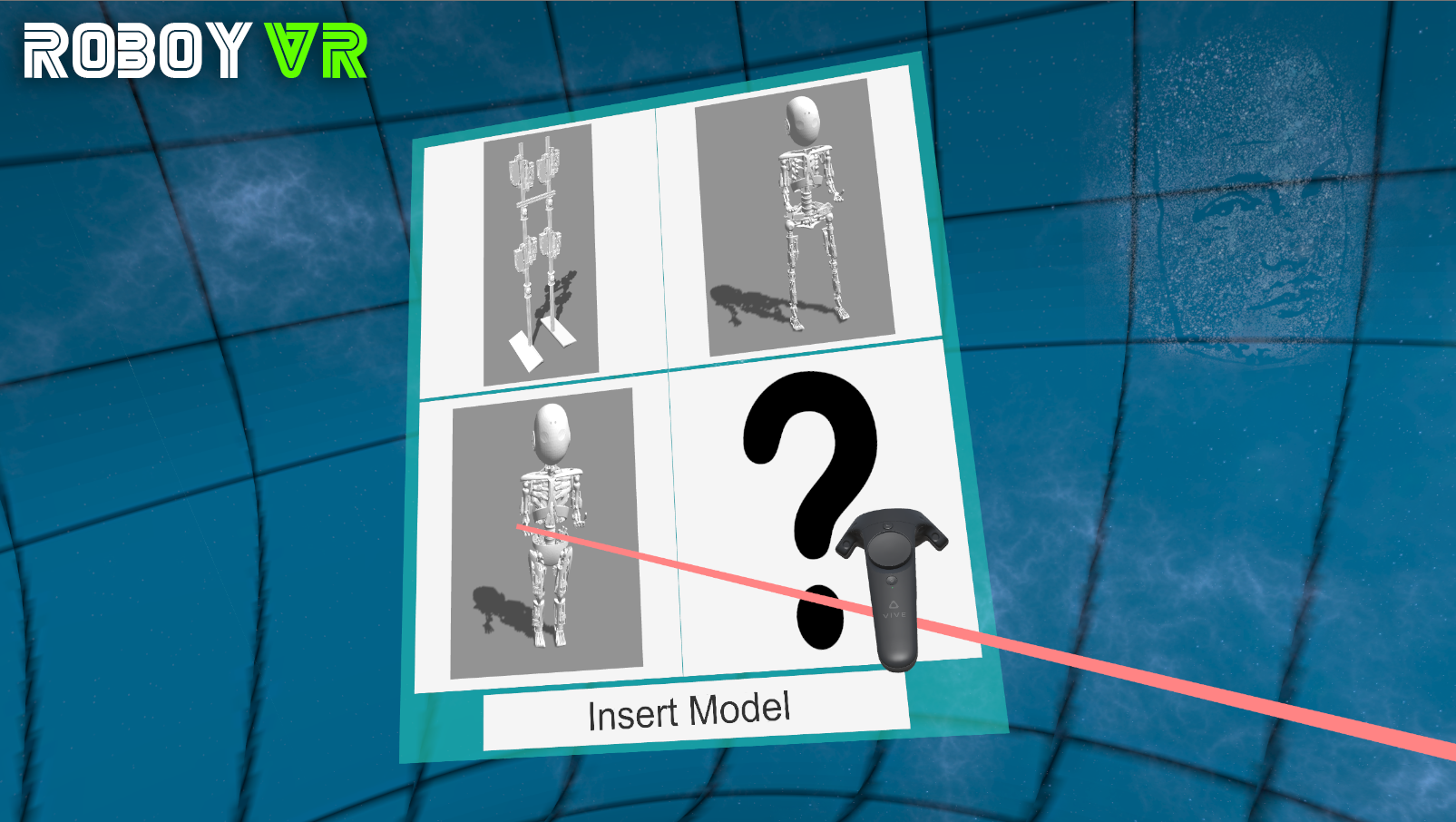
Insert or remove entities by a few clicks.
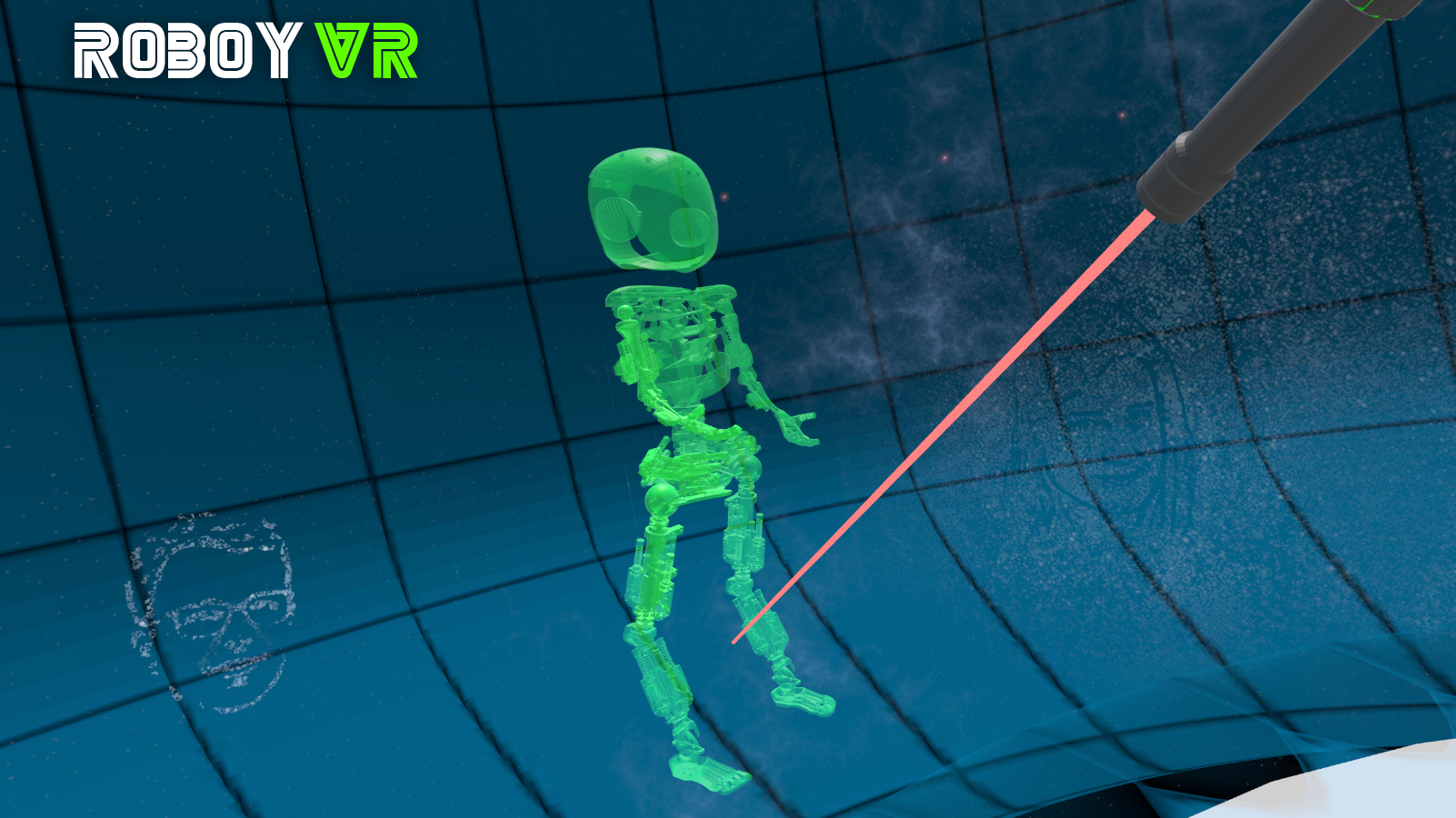
Insert a model in the world by clicking on a free space(green preview).
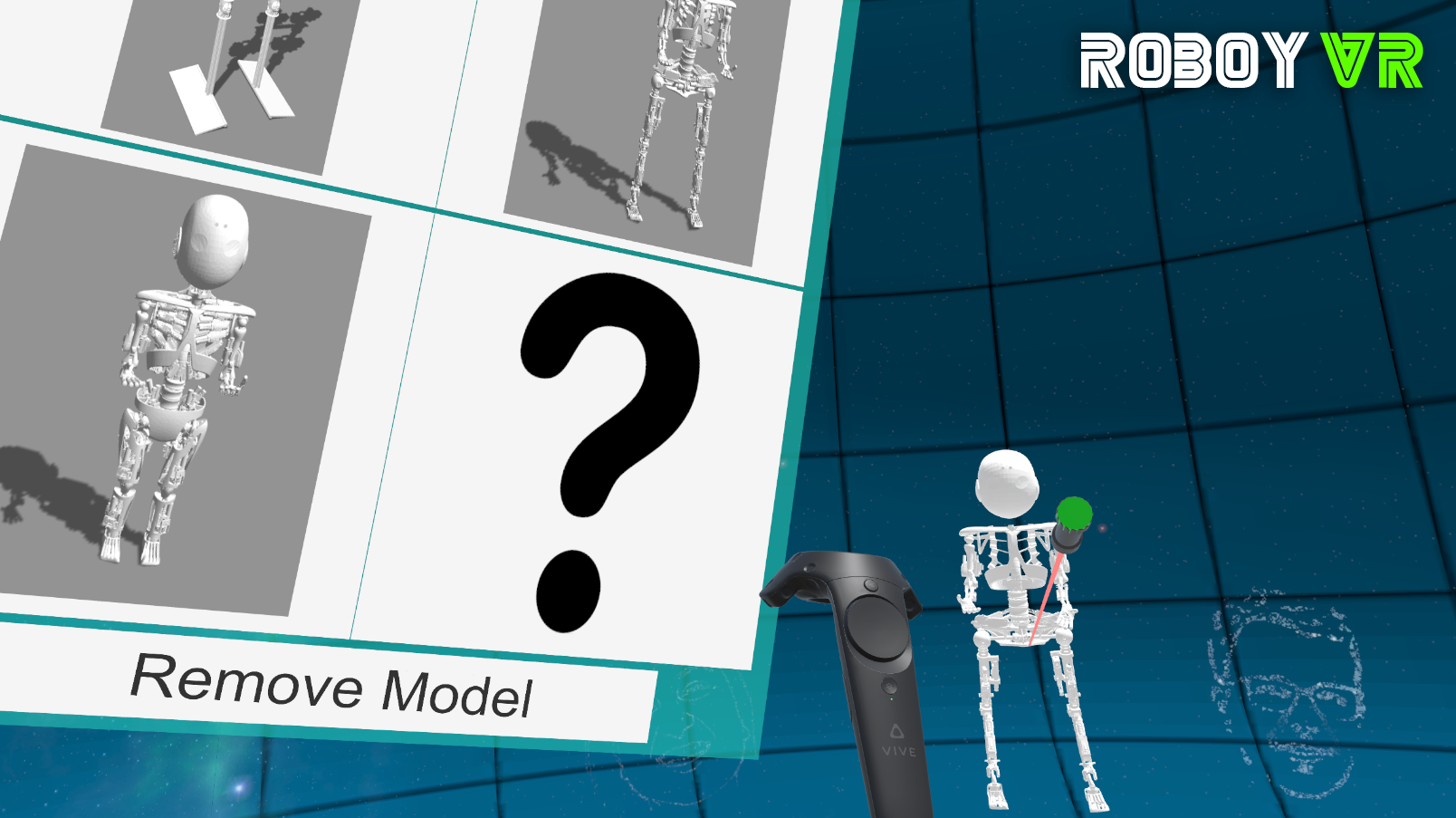
Remove a model from the world by clicking on it.
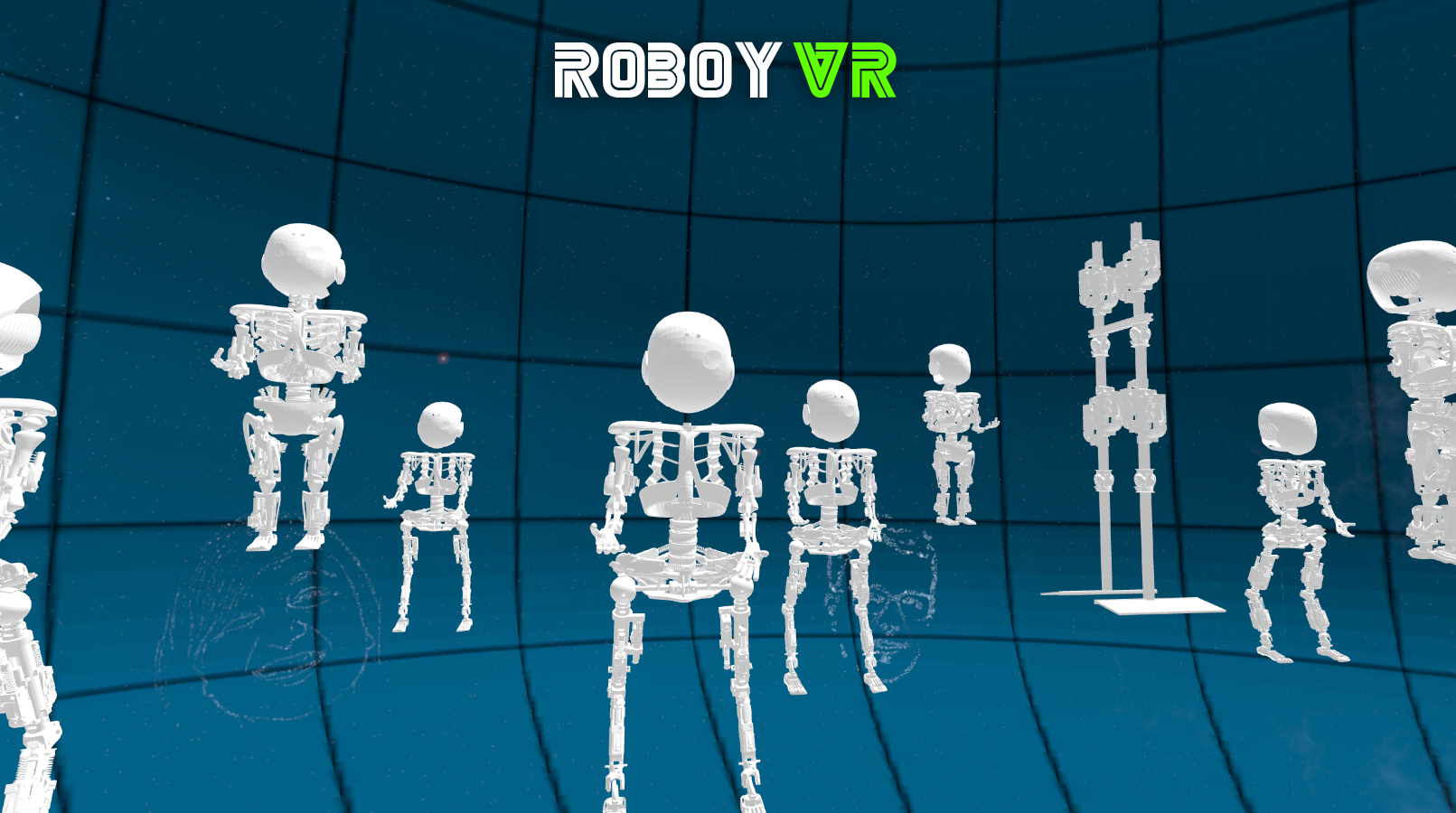
Produce your own squad of Roboys in a few seconds!
Nice to know
Too tired to walk? Just teleport!
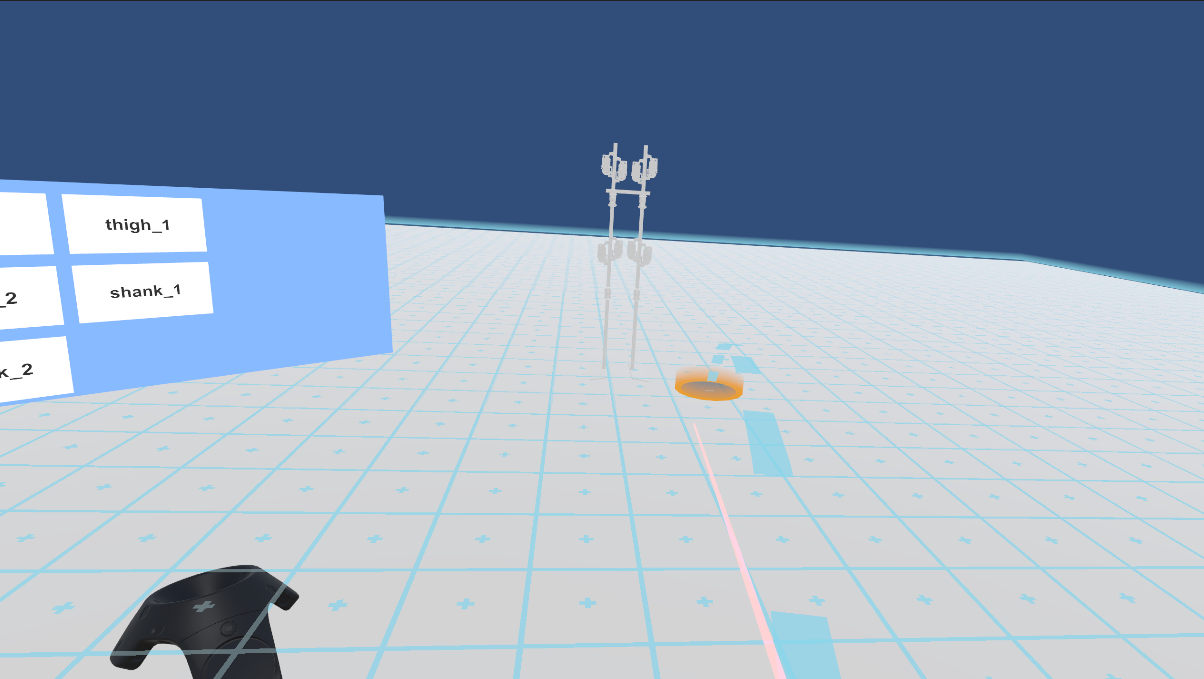
Press down on the touchpad to teleport to a specific position.
Tired of the same view? Just switch!
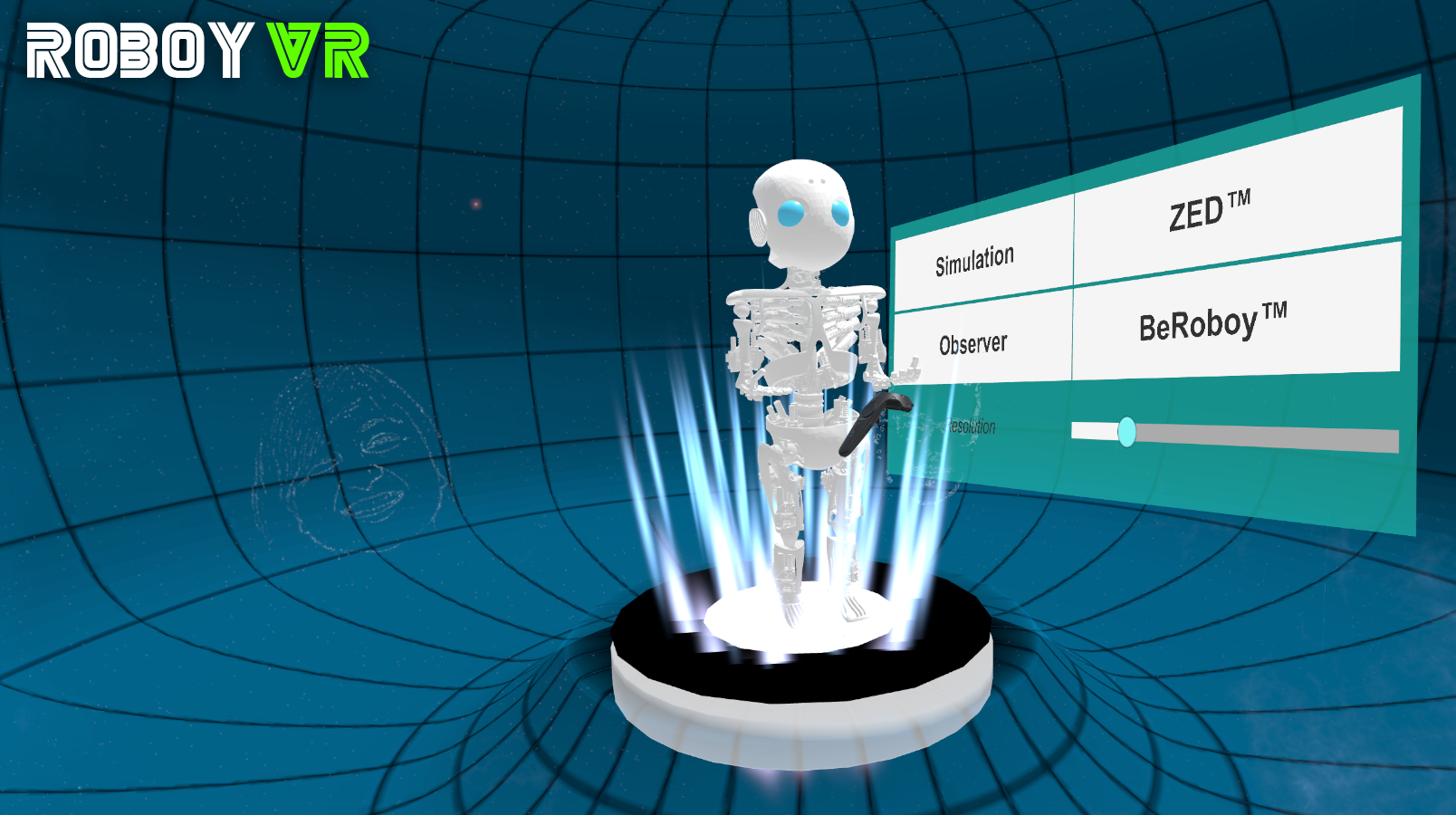
Choose from different views including Observer and BeRoboy mode.